
MovieBox APK
MovieBox makes movie and TV show discovery simple and convenient. Explore popular entertainment, browse organized categories, and enjoy a smooth viewing experience across compatible devices.
MovieBox
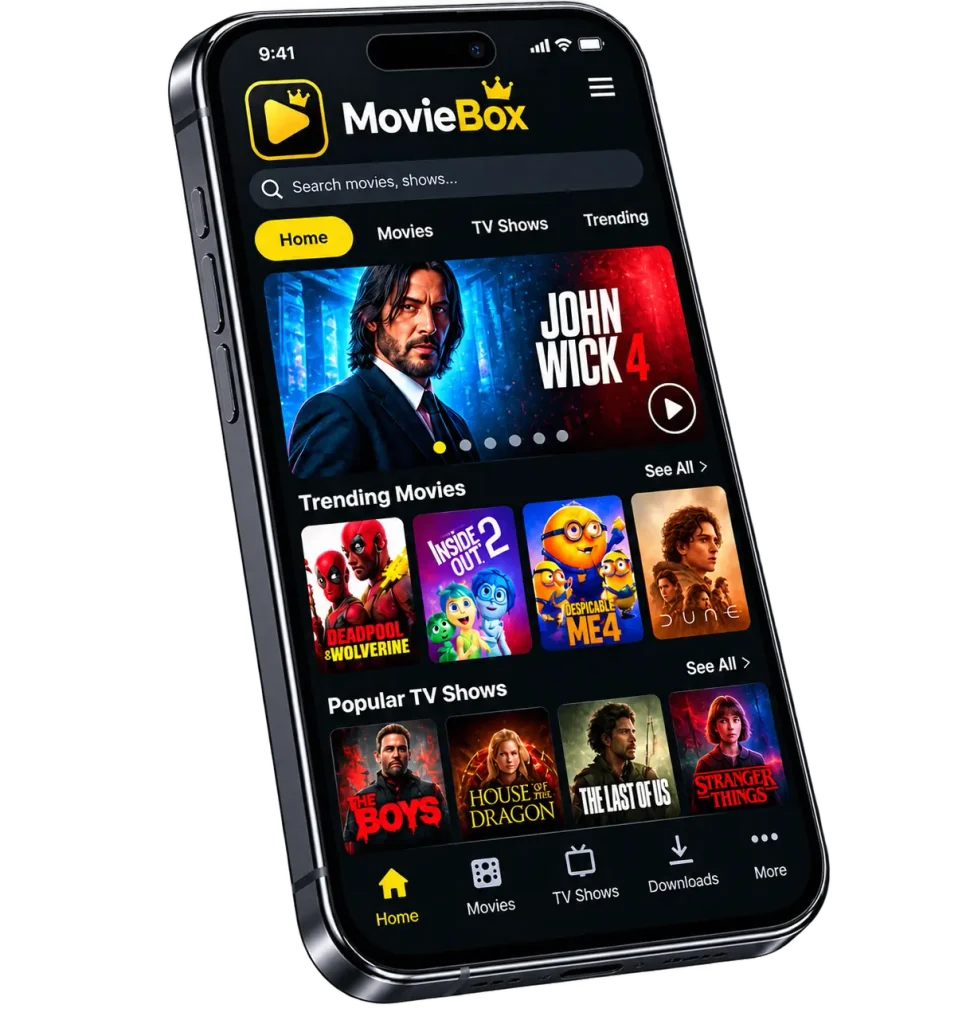
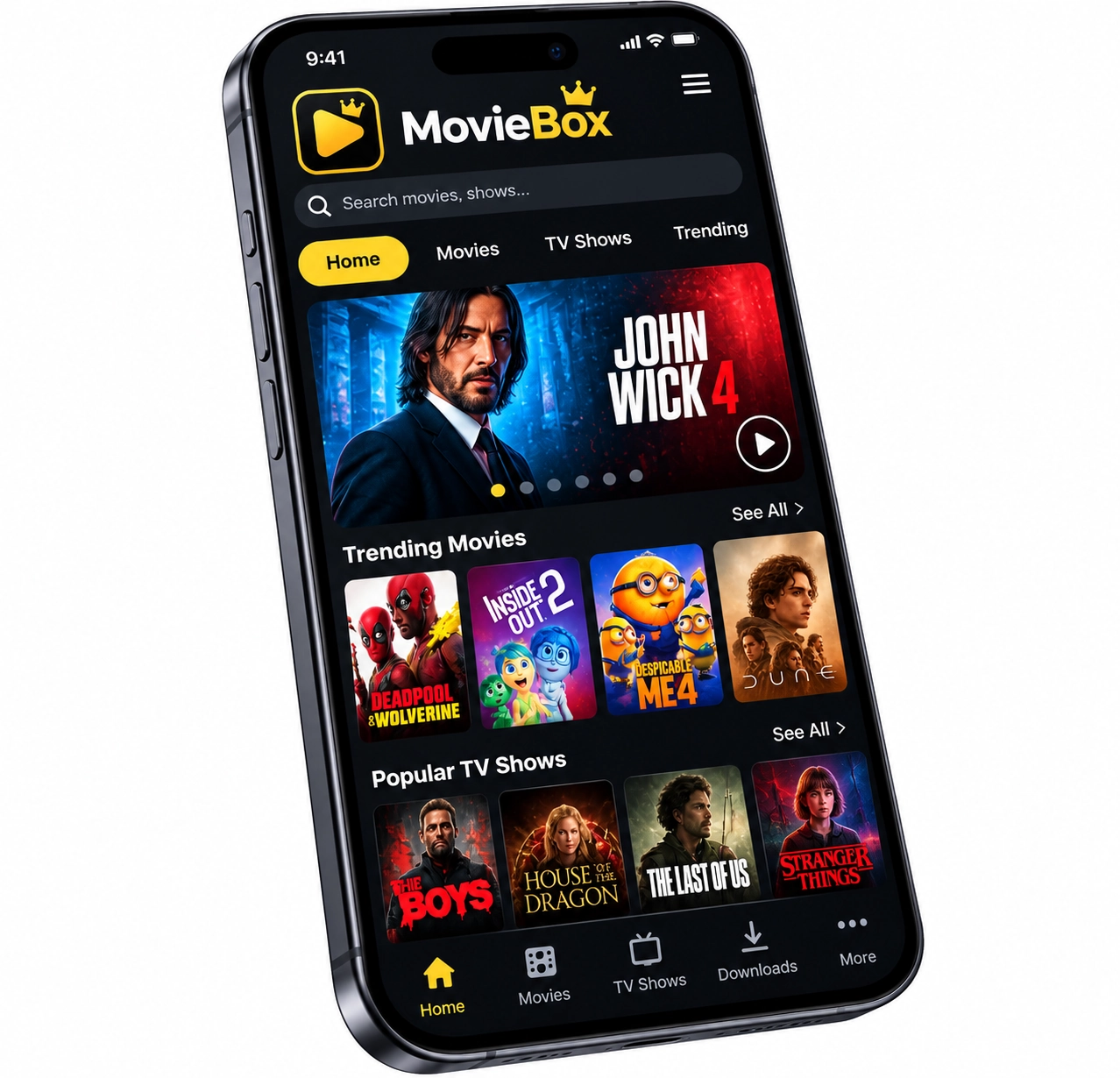
MovieBox is an entertainment application focused on movies and television content. It provides users with a convenient way to explore available entertainment from one interface. The app experience can vary depending on the version, device, and available content sources.
Many users search for MovieBox APK when looking for Android installation options. Others search for MovieBox on iPhone, PC, Smart TV, or streaming devices. Therefore, understanding compatibility is important before downloading any application file.
This guide explains MovieBox, its features, supported devices, installation methods, updates, and common problems. It also covers safety considerations and important differences between APK, iOS, PC, Pro, and modified versions.
| Information Category | Details & Specifications |
| App Name | MovieBox / MovieBox Pro / MovieBox HD |
| Primary Category | Video Streaming, Media Downloader & Movie Tracker |
| Supported Platforms | Android (APK & Play Store), iOS (App Store), Firestick, PC/Mac |
| Content Library | Hollywood Movies, Web Series, Asian Dramas (K-Drama, C-Drama), Anime, and Short Dramas |
| Video Playback Quality | 360p, 480p, 720p (HD), 1080p (Full HD), and 4K (for select VIP sources) |
| Key Features | • High-speed offline background downloads |
MovieBox availability can change between different releases. Therefore, users should always check the version details before installing an application. Compatibility can also differ between phones, tablets, computers, and television devices.
What Is MovieBox?
MovieBox is an entertainment application designed around movie and television content. Its main purpose is to help users browse available titles through a dedicated entertainment interface.
The application may organize content into categories, genres, languages, or other discovery options. Search tools can also make it easier to find specific movies and shows.
However, MovieBox versions can differ considerably. Features available in one release may not appear in another version. Device compatibility can also change after application updates.
MovieBox App Overview
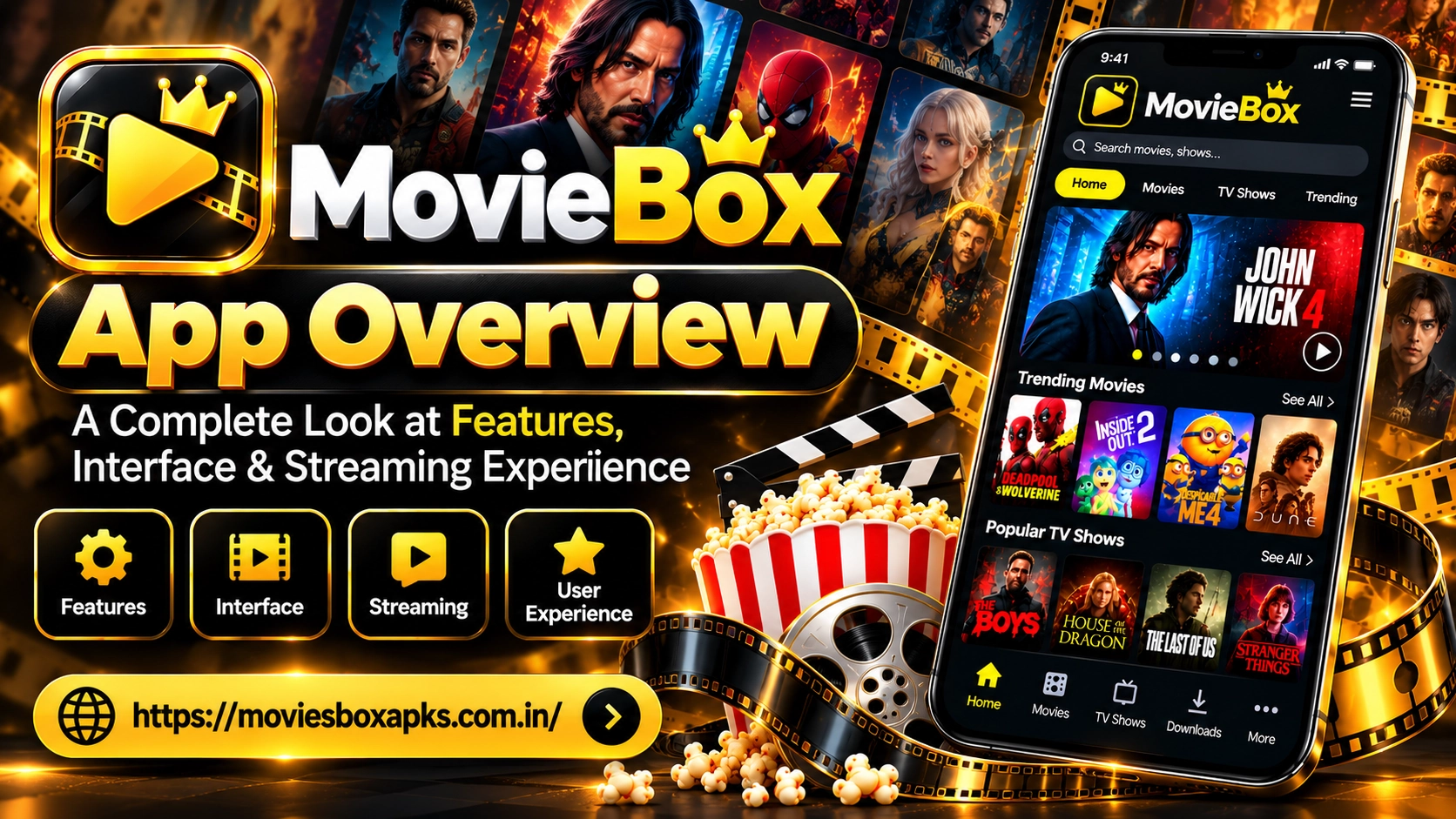
The MovieBox App focuses on content discovery and playback. Users can typically browse available titles and open individual content pages for additional information.
Depending on the version, content pages may include titles, descriptions, categories, ratings, subtitles, or playback options. These details can help users decide what they want to watch.
How MovieBox Works
MovieBox generally works through an application interface that connects users with available entertainment content. Users can search for titles, browse categories, and select content for playback.
Streaming performance depends on several factors. Internet speed, device performance, application version, and available content sources can all affect playback quality.
MovieBox Application and Content
The application may contain different types of entertainment content. Availability can vary according to the version and source being used.
Common content categories may include:
- Movies
- TV shows
- Web series
- International entertainment
- Asian content
- Animation
- Documentaries
- Family content
- Trending titles
- Recently added content
Users should verify the available catalog before relying on a specific category or title.
MovieBox vs MovieBox Pro
MovieBox and MovieBox Pro are often searched as separate terms. However, their features and availability may differ depending on the specific application version or service.
Users should check the exact application name before downloading. Similar names do not always mean that two applications belong to the same developer or service.
What Makes MovieBox Different?
MovieBox focuses heavily on simple entertainment discovery. Instead of searching across several applications, users can browse available content through one interface.
Its usefulness depends on several practical factors, including interface design, search functionality, playback support, and device compatibility.
Important aspects to consider include:
- Content organization
- Search functionality
- Playback options
- Subtitle availability
- Device compatibility
- Download support
- Interface performance
- Update frequency
- Privacy considerations
- Source reliability
These factors can change between different MovieBox releases.
MovieBox APK – Complete Guide
MovieBox APK refers to an Android application package used for installing an Android application manually. APK files are commonly used when an application is distributed outside the Google Play Store.
Before installing an APK, users should verify its source and file integrity. Downloading files from unknown websites can create unnecessary security and privacy risks.
What Is a MovieBox APK?
A MovieBox APK is an Android installation package associated with a MovieBox application. Android devices can install APK files when the required installation settings are enabled.
Not every file using the MovieBox name is necessarily authentic. Therefore, users should carefully check the website, file details, permissions, and version information.
MovieBox APK Download
Users searching for MovieBox APK download should first confirm their Android version and device compatibility. The APK should also come from a source that provides clear information about the file.
Before installing, check:
- Application name
- Version number
- File size
- Update date
- Android requirements
- Developer information
- Requested permissions
- Download source
Avoid installing files that request unnecessary permissions or provide unclear information.
MovieBox APK File
An APK file contains the components required to install an Android application. It should be treated like any other software installer.
After downloading an APK, scan the file with a trusted security solution when possible. Also, avoid keeping unnecessary installation files on your device.
MovieBox APK Latest Version
The latest MovieBox APK version can change over time. Because releases may differ between sources, users should verify the current version before installation.
A newer version may introduce interface changes, compatibility improvements, bug fixes, or other updates. However, users should not assume that every newer file is automatically trustworthy.
Standard APK vs Modified APK
A standard APK is generally distributed as an application package without additional modifications. A modified APK may contain changes made by a third party.
Modified applications can introduce additional security concerns. They may also contain unexpected code, altered permissions, or unwanted software.
For this reason, users should carefully evaluate modified APK files before installing them.
MovieBox Latest Version
Keeping an application updated can improve compatibility and fix known problems. However, the latest release number should always be verified from a reliable source.
Different websites may display different version numbers. This can happen because pages are updated at different times or distribute different application builds.
What’s New in the Latest Version?
Changes depend on the specific MovieBox release. Typical application updates may include interface improvements, performance changes, compatibility fixes, or bug corrections.
Before installing an update, check its release information when available. This helps users understand what has changed between versions.
Performance and Interface Improvements
Application developers may improve navigation and general responsiveness through updates. Changes can include faster loading, redesigned menus, improved search, or better playback controls.
Performance also depends on the user’s device and network connection. Therefore, an update cannot guarantee identical results for every user.
Bug Fixes and Compatibility Changes
Updates may address problems affecting specific Android versions or devices. They can also improve application stability and resolve playback-related issues.
If a newer version creates problems, users should check compatibility information before installing another release.
How to Check the Current Version
You can usually check an installed application’s version through its settings or Android application information page.
Look for:
- Open the MovieBox application.
- Go to Settings or About.
- Find the application version number.
- Compare it with the available release information.
- Update only when the source is trusted.
MovieBox Version History
A version history should only contain verified release information. Avoid publishing invented version numbers or release dates because inaccurate technical information can reduce user trust.
A useful version history can include:
| Version Number | Release Period | Key Changes & Updates |
| v4.0.03.x | Sep 2026 | Performance optimizations, fixed core video playback bugs, and enhanced playback stability. |
| v3.0.16.x | Jul – Aug 2026 | Added short drama sections, improved subtitle sync engine, and updated UI filters. |
| v2.11.36 | Sep 2026 | Enhanced background download speeds, security patches, and minor UI updates. |
| v2.11.20 – v2.11.34 | May – Aug 2026 | Player engine overhaul, fixed streaming server response times, and optimized file storage management. |
| v2.11.0 – v2.11.18 | Oct 2025 – Apr 2026 | Fixed startup crashes on older Android OS, added new top trending movie charts. |
| v2.10.0 – v2.10.6 | Apr – Aug 2025 | Reduced app size, optimized memory footprint for low-RAM devices, and updated player controls. |
| v2.9.0 – v2.9.10 | Dec 2024 – Apr 2025 | Added multi-language subtitle tracks and dynamic gesture controls for volume/brightness. |
| v2.8.0 – v2.8.8 | Jul – Oct 2024 | Introduced account watchlist sync, updated UI layout, and optimized server routing. |
| v2.6.0 – v2.7.8 | Dec 2022 – Jun 2024 | Expanded search filters (by genre, release year, country) and introduced high-speed background downloading. |
| v2.0.0 – v2.5.2 | Legacy Era | Initial launch phase, standard video playback controls, local file management, and core download engine. |
MovieBox Features
MovieBox may provide several features designed to improve content discovery and playback. Exact features depend on the application version and supported device.
Large Movie Library
A broad content catalog can make entertainment discovery easier. However, available titles may change frequently.
TV Shows and Series
Users can browse television shows and series when they are available within the application. Content availability depends on the specific version and source.
HD Video Playback
Some versions may provide different playback quality options. Actual quality depends on the available source, device, and internet connection.
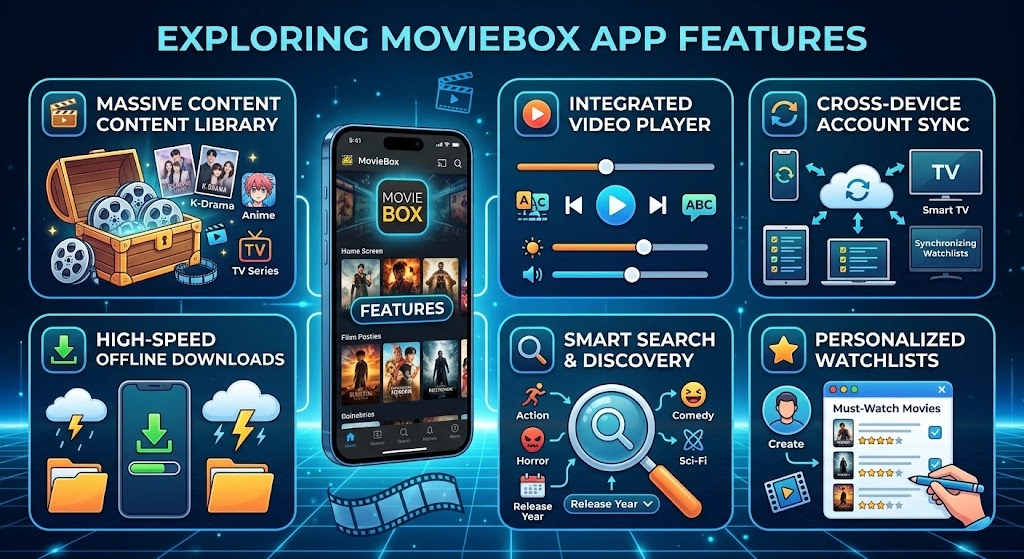
High-Quality Streaming
Streaming quality depends on network performance and available video sources. A stable connection generally provides a smoother viewing experience.
Search Function
Search functionality helps users locate specific movies and shows quickly. A useful search system can reduce the time required to browse large catalogs.
Advanced Filters
Some versions may provide filtering options for genres, release years, languages, or other categories. Available filters can differ between releases.
Organized Categories
Categories can make content easier to explore. Common categories may include movies, series, genres, languages, and trending titles.
Personalized Recommendations
Some releases may provide recommendation features based on available content and viewing activity. Recommendation functionality can vary between versions.
Watchlist
A watchlist allows users to save interesting titles for later. This can make returning to previously discovered content more convenient.
Watch History
Watch history can help users remember previously viewed content. Availability depends on the specific application version.
Subtitle Support
Subtitle availability depends on the individual title and source. Users should check subtitle options before starting playback.
Multi-Language Options
Some content may provide multiple language choices. Available audio and subtitle languages can differ between titles.
Built-In Media Player
A built-in player can allow users to watch content without switching applications. Player controls vary between different releases.
Playback Controls
Common playback controls may include play, pause, seeking, volume, and fullscreen options.
Offline Viewing
Some versions may provide download functionality for supported content. Download availability should be checked before assuming that every title supports offline viewing.
Dark and Light Modes
Interface themes can improve viewing comfort in different environments. Theme availability depends on the application version.
Chromecast and Screen Casting
Certain versions or devices may support casting features. Compatibility depends on the application, television, and casting technology.
Picture-in-Picture Support
Picture-in-picture can allow supported applications to continue playback in a smaller window. This feature depends on Android and application compatibility.
What Can You Watch on MovieBox?
The available catalog depends on the specific MovieBox version and content source. Users may find different categories depending on their region and application build.
Potential categories include:
- Movies
- TV shows
- Web series
- International movies
- Asian dramas
- Anime and animation
- Documentaries
- Family entertainment
- Trending content
- Recently added titles
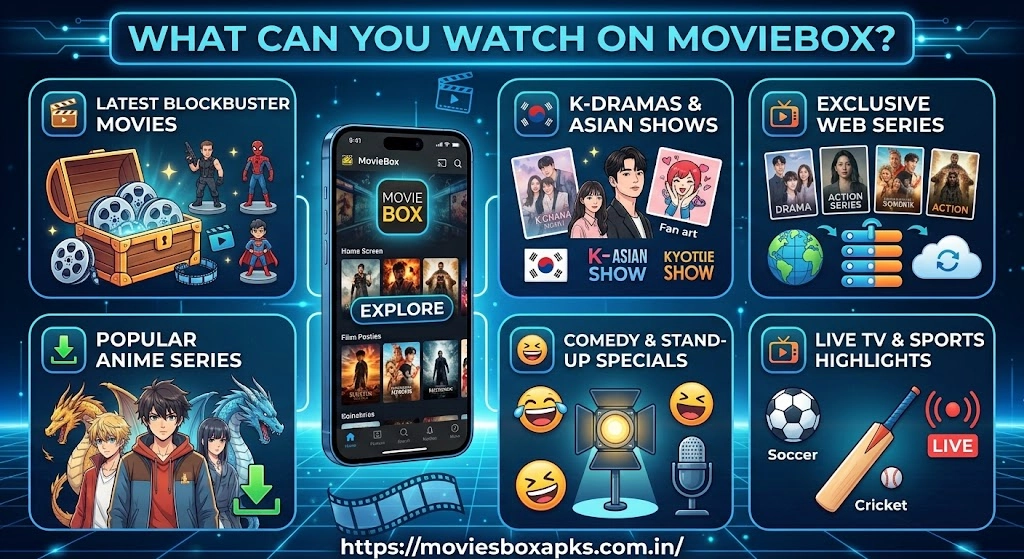
Content availability can change without notice. Users should therefore check the application directly for current titles.
How to Browse and Discover Content on MovieBox
MovieBox can make content discovery easier through search and category browsing. Users can begin with a specific title or explore available categories.
Useful discovery methods include:
- Search by movie title
- Search by TV show name
- Browse by genre
- Browse by release year
- Explore language categories
- Check trending titles
- Review available ratings
- Explore recently added content
Using filters can help reduce the time spent searching through large catalogs.
MovieBox Download Guide
Before downloading MovieBox, users should confirm that they are getting the correct application file. Similar names can sometimes refer to completely different applications.
A safer download process involves checking the source first. Users should also review the version number and device requirements before installing.
Before downloading, check:
- Correct application name
- Current version information
- Compatible Android version
- File size
- Developer information
- Required permissions
- Source reputation
- Security scan results
Avoid downloading files from suspicious pages, misleading advertisements, or unknown sources.
How to Install MovieBox APK on Android
Installing an APK manually requires a few additional steps compared with Play Store applications. Android may ask users to allow installation from the selected source.
Follow these steps:
- Download the compatible MovieBox APK file.
- Open the downloaded file from your device.
- Allow installation permission when Android requests it.
- Follow the installation instructions on screen.
- Wait until the installation process finishes.
- Open MovieBox from your application menu.
- Review the application permissions carefully.
- Configure available settings before using the app.
If installation fails, confirm that the APK matches your Android version. Also, check whether sufficient storage is available.
MovieBox for Android
Android is commonly associated with APK-based application installation. Users can install compatible applications directly when the required package is available.
Compatibility depends on Android version, processor architecture, storage, and application requirements. Older devices may experience different performance compared with newer phones.
For a better experience, keep enough free storage available. A stable internet connection is also useful for streaming.
MovieBox for iPhone and iOS
Android APK files cannot be installed directly on iPhones. iOS uses different application formats and installation systems.
Users searching for MovieBox on iPhone should therefore look for an iOS-compatible release rather than an APK file.
Important searches include:
- MovieBox for iOS
- MovieBox for iPhone
- MovieBox iOS download
- MovieBox iPhone download
- MovieBox IPA download
However, users should verify whether a legitimate and compatible iOS version actually exists. Avoid installing unknown configuration profiles or certificates from untrusted websites.
MovieBox for PC, Windows and Laptop
Users may search for MovieBox on Windows computers for larger-screen viewing. PC compatibility depends on whether a native Windows application or another supported method is available.
If no native Windows version exists, users may consider an Android emulator. An emulator creates an Android environment where compatible applications can sometimes run.
Before using an emulator, check:
- Windows version
- Available RAM
- Processor performance
- Free storage
- Virtualization support
- Emulator requirements
Performance may vary significantly between different computers.
MovieBox for Android TV, Firestick, Smart TV and Roku
Large-screen entertainment requires additional compatibility considerations. Android TV devices may support applications differently from smartphones.
Firestick, Smart TV, and Roku devices also use different operating systems. Therefore, an Android APK should not automatically be assumed to work on every television platform.
Before installation, check the exact device model and operating system. Casting from a compatible smartphone can also be an alternative when direct installation is unavailable.
MovieBox Pro
MovieBox Pro is a separate search term frequently associated with MovieBox-related applications and services. Users should verify exactly which application or website they are referring to.
Searches commonly include:
- MovieBox Pro
- MovieBox Pro app
- MovieBox Pro download
- MovieBox Pro for PC
- MovieBox Pro iOS
- MovieBox Pro login
- MovieBox Pro APK
Features, pricing, availability, and compatibility can differ from standard MovieBox releases. Users should verify the specific service before downloading or providing personal information.
MovieBox Mod APK
A MovieBox Mod APK is generally an altered application package created by a third party. Such modifications may claim to unlock additional features.
Common claims can include:
- Premium features unlocked
- Advertisements removed
- Additional playback options
- Extra customization
- Download improvements
These claims should not automatically be trusted. Modified APKs can create additional security and privacy risks.
Before installing any modified application, consider the source, permissions, file integrity, and potential privacy implications.
MovieBox Offline Downloads and Viewing
Offline viewing can be useful when internet access is limited. However, download support depends on the specific application version and available content.
If downloads are supported, users should consider available storage space. High-quality video files can consume significant storage.
For better storage management:
- Remove watched downloads
- Avoid unnecessary high-quality files
- Check available storage regularly
- Use Wi-Fi for large downloads
- Keep important files organized
Users should also confirm whether downloaded content remains accessible after an application update.
MovieBox Streaming Quality
Streaming quality depends on multiple technical factors. The application itself is only one part of the overall viewing experience.
Important factors include:
- Internet speed
- Network stability
- Video source quality
- Device performance
- Server response
- Selected playback quality
- Application version
HD or 4K availability should never be assumed for every title. The actual quality depends on the available source and playback support.
MovieBox Safety, Privacy and Legitimacy
Safety should be considered before installing any application, especially APK files from outside official app stores.
There is no universal guarantee that every MovieBox APK is safe. Different websites may distribute different files under similar names.
Before installing an APK, consider these checks:
- Download from a reputable source
- Scan the file with security software
- Check application permissions
- Review the file information
- Avoid suspicious redirects
- Avoid unnecessary configuration profiles
- Keep Android security features enabled
- Remove applications you no longer trust
Users should also review the application’s privacy practices when information is available.
Is MovieBox Safe?
Safety depends on the specific application file and its source. A legitimate application from a trustworthy source carries different risks than an unknown modified APK.
Therefore, users should evaluate the exact file instead of assuming that every MovieBox download is identical.
Is MovieBox Legit?
The legitimacy of a specific MovieBox service depends on its distribution method, content rights, developer, and jurisdiction.
Users should verify these factors before relying on a particular service or application.
MovieBox Troubleshooting Guide
Applications can sometimes experience installation, playback, or connection problems. Many common issues can be addressed through basic troubleshooting.
MovieBox Is Not Installing
Check the Android version and available storage first. Also, confirm that the APK file is compatible with your device.
MovieBox Is Not Opening
Restart your device and try opening the application again. If the problem continues, check whether the installed version supports your Android release.
MovieBox Keeps Crashing
Crashes can occur because of compatibility issues, corrupted files, or insufficient resources. Clearing application data may help, but it can remove saved settings.
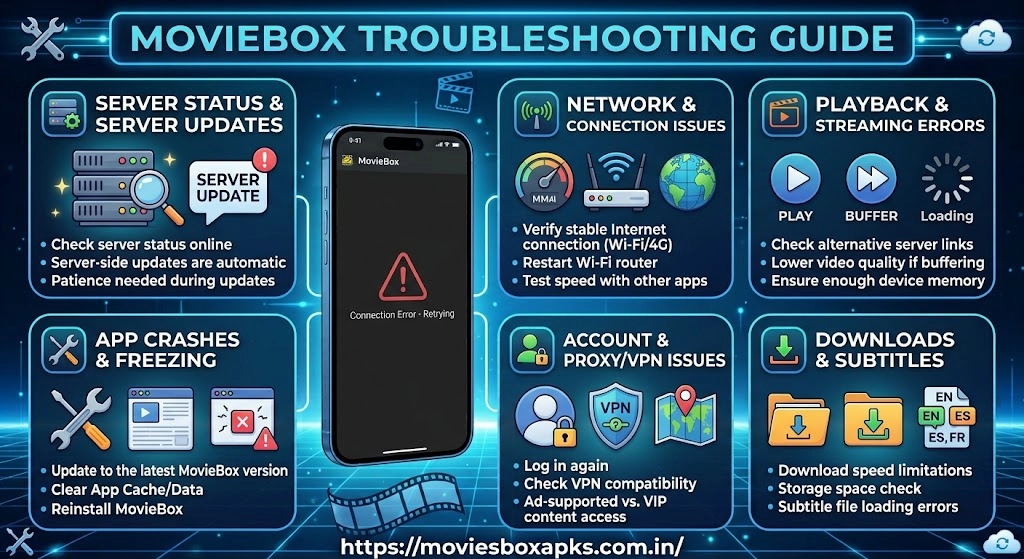
Videos Are Not Playing
Check your internet connection and try another available title. If only one video fails, the issue may relate to that particular source.
MovieBox Is Buffering
Buffering can result from unstable internet connections or overloaded content sources. Try lowering playback quality or switching to a stronger network.
Downloads Are Not Working
Check available storage and confirm that the selected content supports downloading. Also, make sure the application has the required storage permission.
Subtitles Are Not Showing
Subtitle availability varies between titles. Try another subtitle option if the application provides multiple choices.
MovieBox Needs an Update
Check the current application version and compare it with trusted release information. Avoid installing updates from suspicious sources.
MovieBox vs Official Streaming Platforms
MovieBox and official streaming platforms can differ significantly in distribution, content rights, support, and account requirements.
| Comparison Factor | MovieBox App (APK / Tracker) | Official Streaming Platforms (Netflix, Prime, Disney+) |
| Content Availability | Aggregated / Multi-Platform: Combines movies, web series, and anime across multiple studios into one app. | Platform-Exclusive: Content is split across specific services based on licensing rights (e.g., Netflix Originals, Marvel on Disney+). |
| Pricing & Cost | Freemium / Free: Ad-supported free access with an optional low-cost VIP tier for faster servers. | Subscription-Based: Monthly/annual plans ($7.99 to $24.99+/month) with separate plans for ad-supported or 4K access. |
| Distribution Channel | Direct APK Sideloading for full streaming, or official app stores for tracking/metadata only. | Direct download via Official App Stores (Google Play, Apple App Store, Smart TV stores). |
| Video Playback Quality | Up to 1080p Full HD / 4K (dependent on third-party server links and connection stability). | Guaranteed 4K Ultra HD, HDR10, & Dolby Vision on supported titles and tiers. |
| Offline Viewing | Direct Local Video File Saving to internal storage or SD cards for offline playback. | In-App Temporary Downloads protected by Digital Rights Management (DRM). |
| User Experience & Ads | Variable interface; may display banner ads or pop-ups unless upgraded to VIP. | Polished, ad-free UI on standard tiers; non-intrusive ads on lower-tier ad plans. |
| Account & Profile Sync | Basic account setup for saving watchlists and syncing viewing progress. | Multi-user profiles, parental controls, household sharing options, and algorithmic recommendations. |
Users should compare services based on their own requirements. Official platforms generally provide clearer licensing information and dedicated customer support.
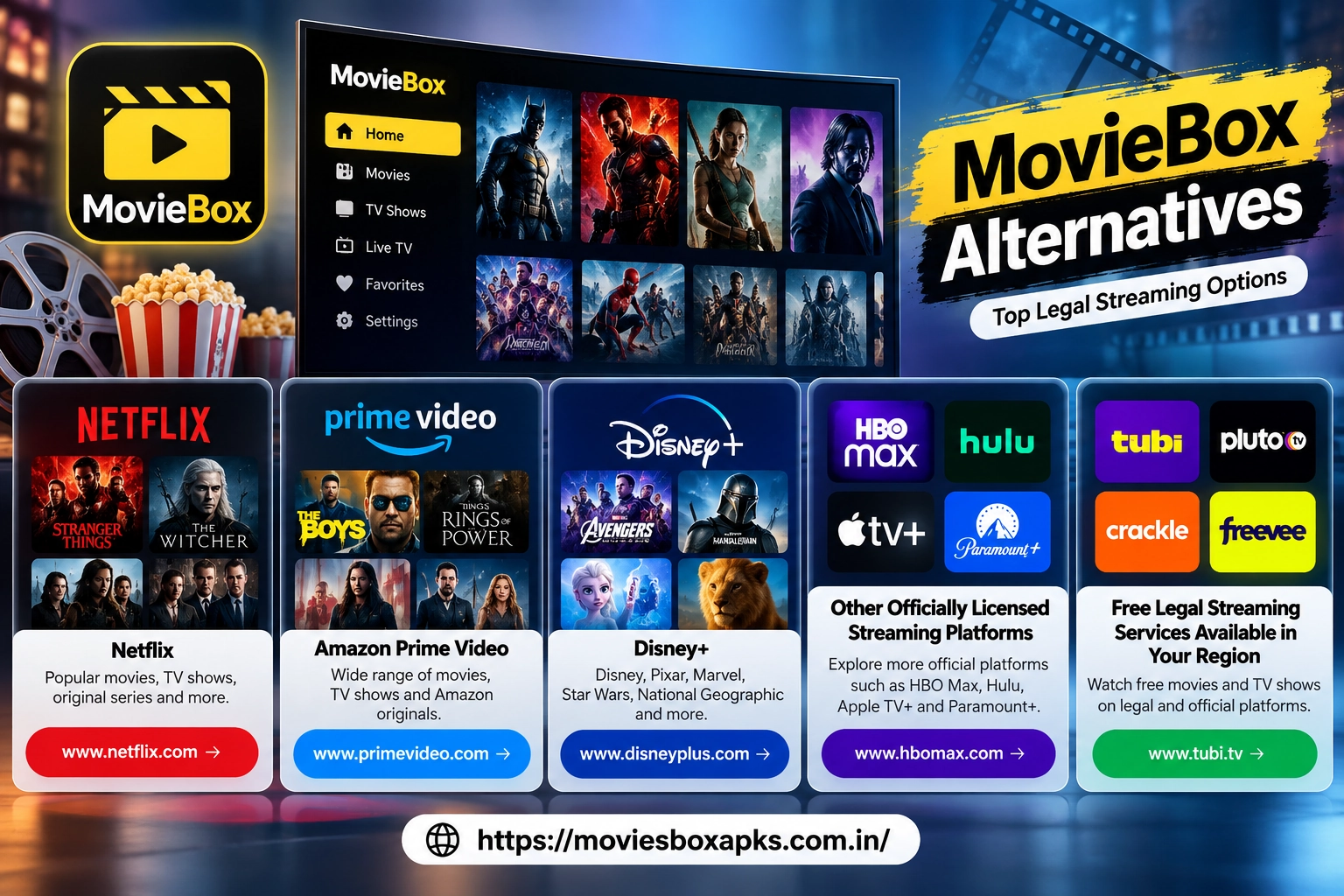
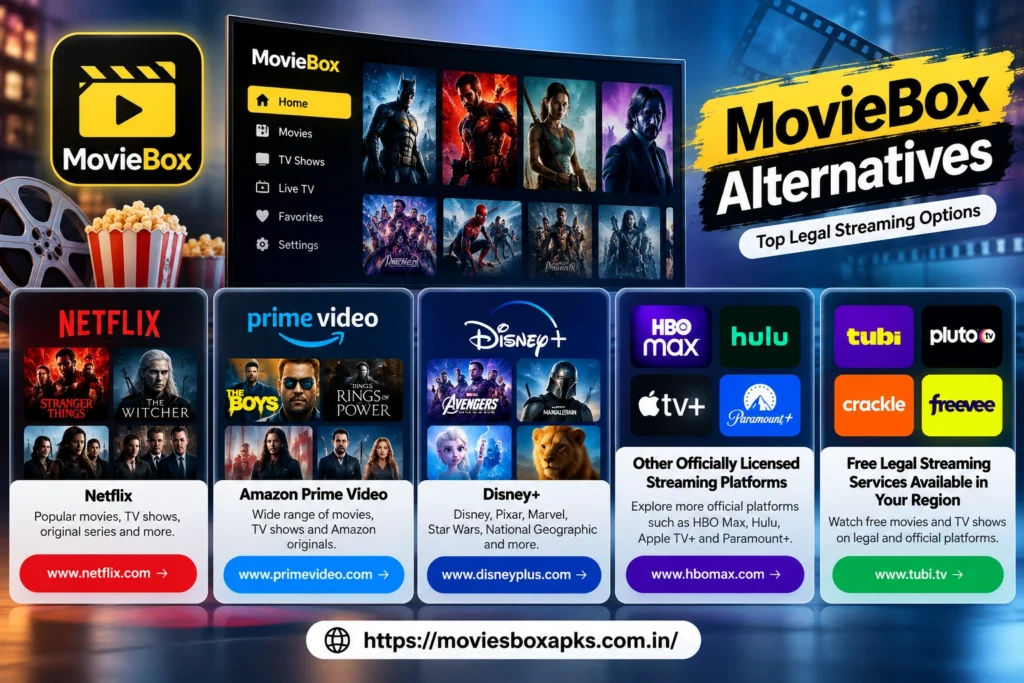
MovieBox Alternatives
Users looking for movie and television streaming can consider several established services. The best option depends on content preferences, budget, location, and device support.
Popular alternatives include:
- Netflix
- Amazon Prime Video
- Disney+
- Other officially licensed streaming platforms
- Free legal streaming services available in your region
Before choosing an alternative, compare its catalog, subscription cost, supported devices, download features, and regional availability.
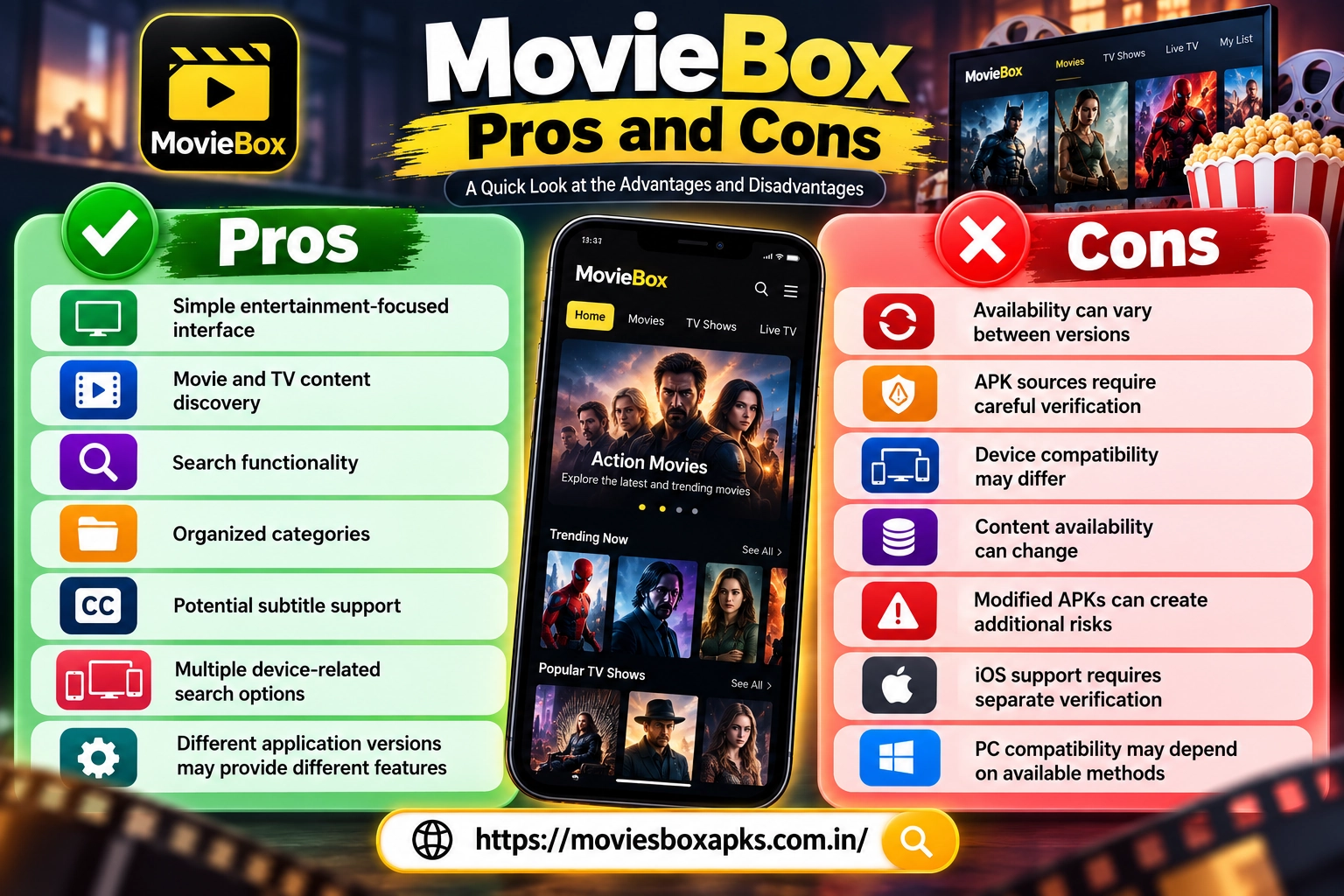
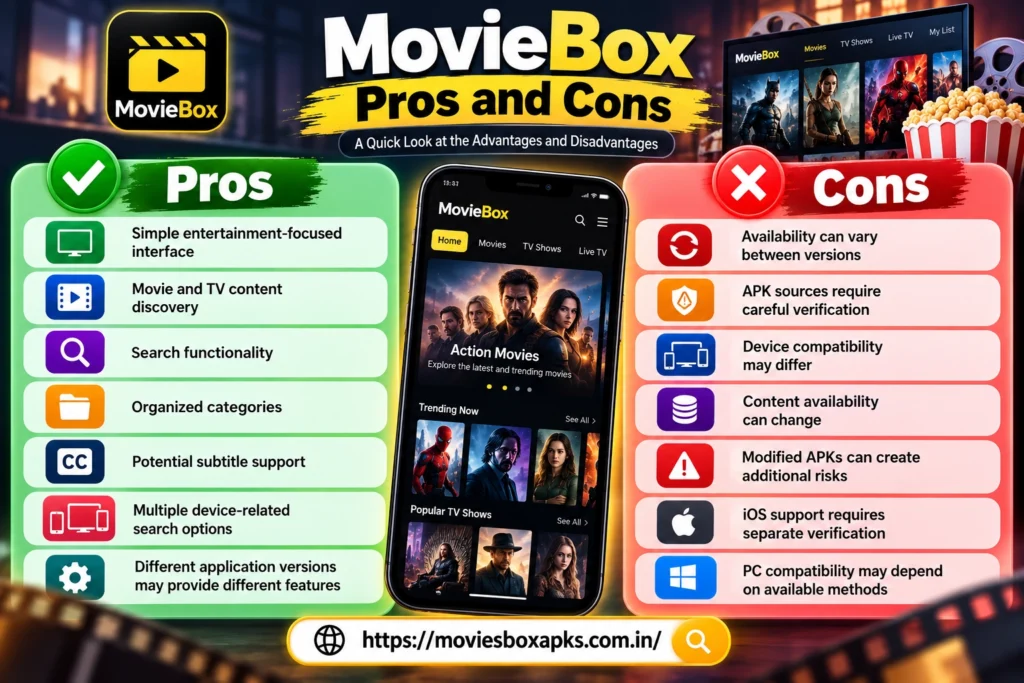
MovieBox Pros and Cons
Pros
- Simple entertainment-focused interface
- Movie and TV content discovery
- Search functionality
- Organized categories
- Potential subtitle support
- Multiple device-related search options
- Different application versions may provide different features
Cons
- Availability can vary between versions
- APK sources require careful verification
- Device compatibility may differ
- Content availability can change
- Modified APKs can create additional risks
- iOS support requires separate verification
- PC compatibility may depend on available methods
MovieBox Device Requirements
Device requirements depend on the application version and platform.
For Android devices, users should consider the following:
- Compatible Android version
- Sufficient RAM
- Adequate storage
- Stable internet connection
- Supported processor architecture
- Updated security settings
For computers, users should check Windows compatibility, RAM, processor performance, storage, and emulator requirements when applicable.
For Smart TVs, compatibility depends heavily on the operating system and device model.
MovieBox User Experience
A good entertainment application should make content discovery straightforward. Search, categories, playback controls, and navigation all contribute to the overall experience.
MovieBox users may interact with several parts of the application. These can include the home screen, search page, category menus, content details, player, and settings.
Performance can vary between devices. A newer phone with a stable connection may provide a different experience from an older device with limited resources.
Users should therefore evaluate the application according to their own device and network conditions.
Frequently Asked Questions About MovieBox
What is MovieBox?
MovieBox is an entertainment application associated with movies and television content. Features and availability can vary between different versions.
What is MovieBox APK?
MovieBox APK refers to an Android installation package associated with MovieBox. Users should verify the source before installing it.
Can I download MovieBox on Android?
Android users may be able to install a compatible MovieBox APK. Compatibility depends on the application version and Android release.
Can I use MovieBox on iPhone?
An Android APK cannot be installed directly on an iPhone. Users need a compatible iOS version if one is legitimately available.
Can I use MovieBox on PC?
PC availability depends on whether a compatible Windows application exists. An Android emulator may provide another option when appropriate.
Is MovieBox available for Smart TV?
Smart TV support depends on the television operating system and application compatibility. Users should verify their specific TV model.
What is MovieBox Pro?
MovieBox Pro is a separate term commonly associated with MovieBox-related services or applications. Users should verify the exact service before installation.
What is MovieBox Mod APK?
MovieBox Mod APK generally refers to a modified application package. Such files may introduce additional security and privacy risks.
Why is MovieBox not working?
MovieBox may stop working because of compatibility, connection, application, or source-related issues. Restarting the device and checking the installed version can help.
Why is MovieBox buffering?
Buffering can result from slow internet, unstable connections, server problems, or high playback quality. Lowering video quality may sometimes help.
Can MovieBox download movies?
Download support depends on the specific MovieBox version and content. Users should check whether the selected title supports offline viewing.
Should I install every MovieBox APK update?
No application update should be installed blindly. Verify the source, version, permissions, and compatibility before updating.
Final Thoughts
MovieBox is commonly searched by users looking for movie and television entertainment options. The application experience can vary depending on the version, device, content source, and platform.Android users searching for MovieBox APK should carefully verify the installation file. iPhone and PC users should separately check platform compatibility rather than assuming that an Android APK will work everywhere.Features such as search, categories, subtitles, playback, downloads, and recommendations can improve content discovery. However, these features may differ between releases.
Safety should remain an important consideration throughout the download process. Users should verify application sources, review permissions, scan files when possible, and avoid suspicious modified packages.Ultimately, the right MovieBox setup depends on the user’s device, viewing requirements, and preferred source. Checking compatibility and current information before installation can help create a smoother experience.